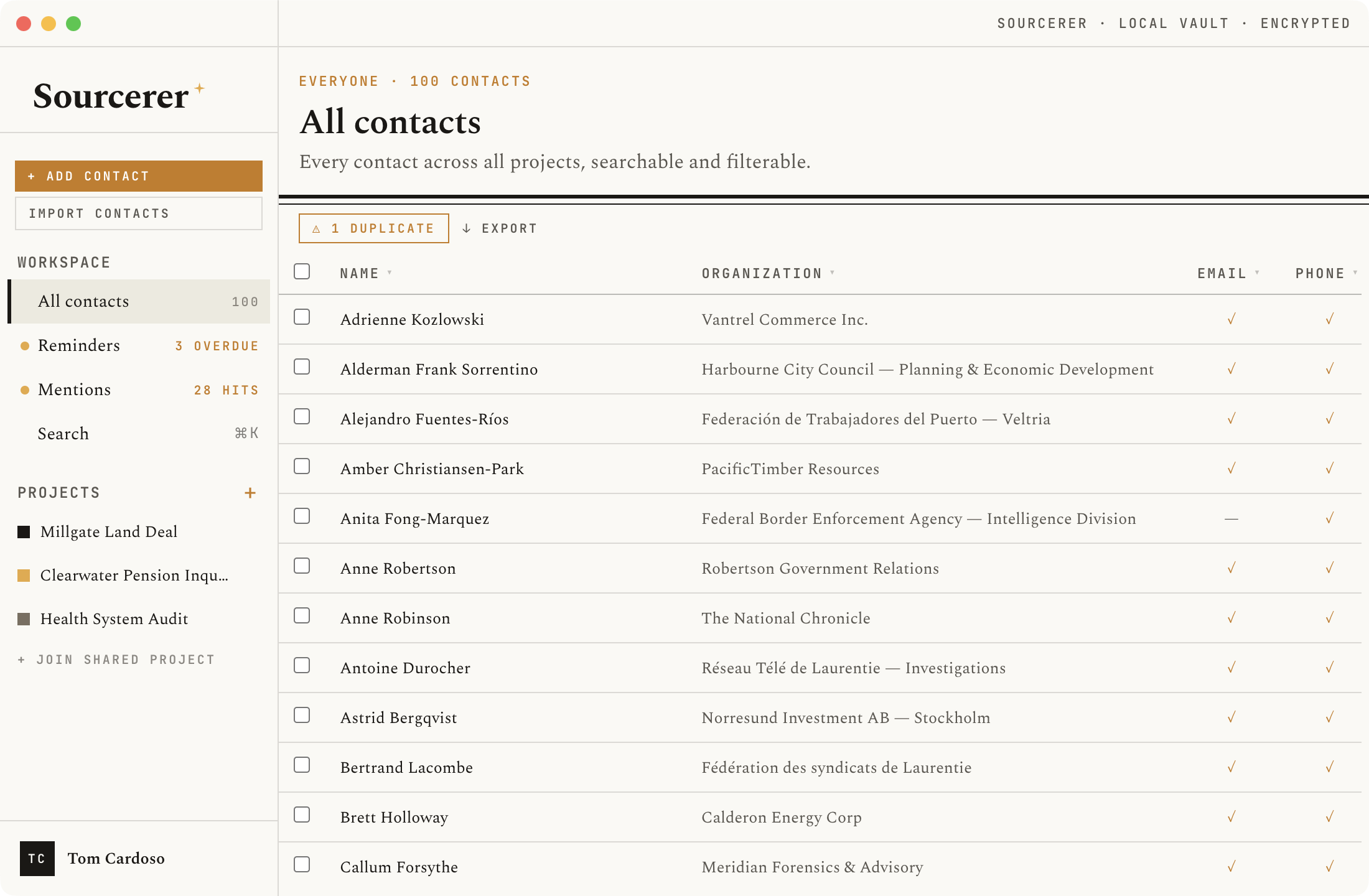
Contacts view
All names and details shown are fictional and generated for demonstration purposes only.
Journalists and researchers build careers on relationships. But most teams track sources in shared spreadsheets, personal address books, or nowhere at all — systems that offer no encryption, no access control, and no record of who contacted whom and when.
Sourcerer is purpose-built for this work. It keeps a full encrypted history of every interaction, every outreach attempt, and every status change — so nothing slips through the cracks on a long investigation, and nothing leaks when it shouldn't.
No server. No subscription. No company holding your source list. The database lives on your machine, encrypted with a key that only you have.
Contacts view
All names and details shown are fictional and generated for demonstration purposes only.
Encrypted at rest
The entire database is encrypted with AES-256 via SQLCipher. The key is derived fresh from your master password on every unlock using Argon2id — a memory-hard algorithm that makes brute-force attacks expensive. The key is never stored anywhere. If someone seizes your laptop, the database is unreadable without your password.
Timeline
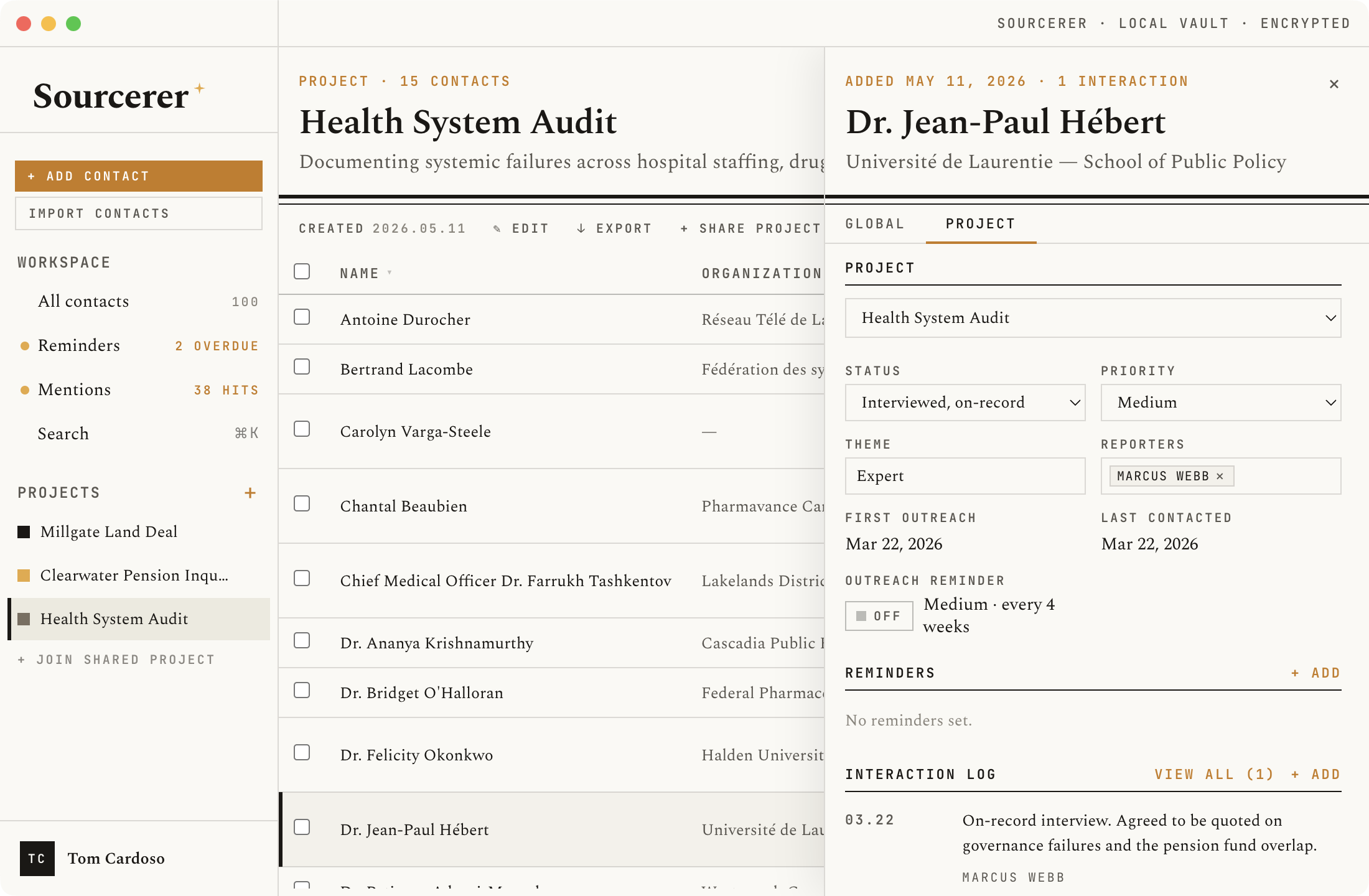
Every project has a reverse-chronological timeline of all logged interactions across every source, filterable by priority, theme, organisation, reporter, and date range. A global timeline shows the same feed across all your contacts at once. Print any timeline to a clean black-and-white sheet for team briefings or record-keeping.
Projects & outreach
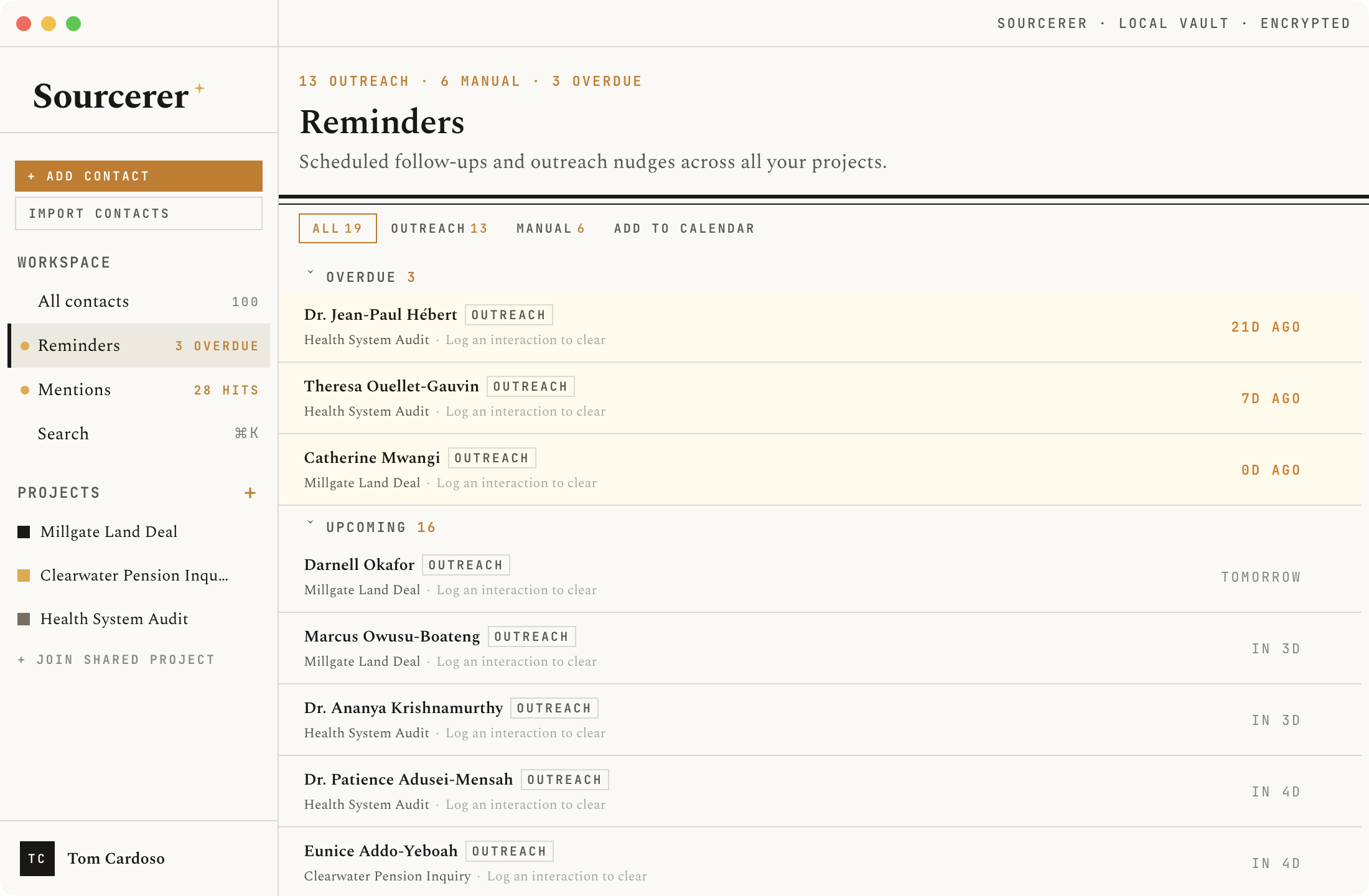
Organise contacts into projects — one per investigation or beat. Each contact can belong to multiple projects simultaneously, with its own status, priority, reporter attribution, and interaction log per project. A full status workflow tracks the arc from first approach through interview, decline, or ghosting. Configurable reminders ensure nothing goes cold without you knowing.
Team collaboration
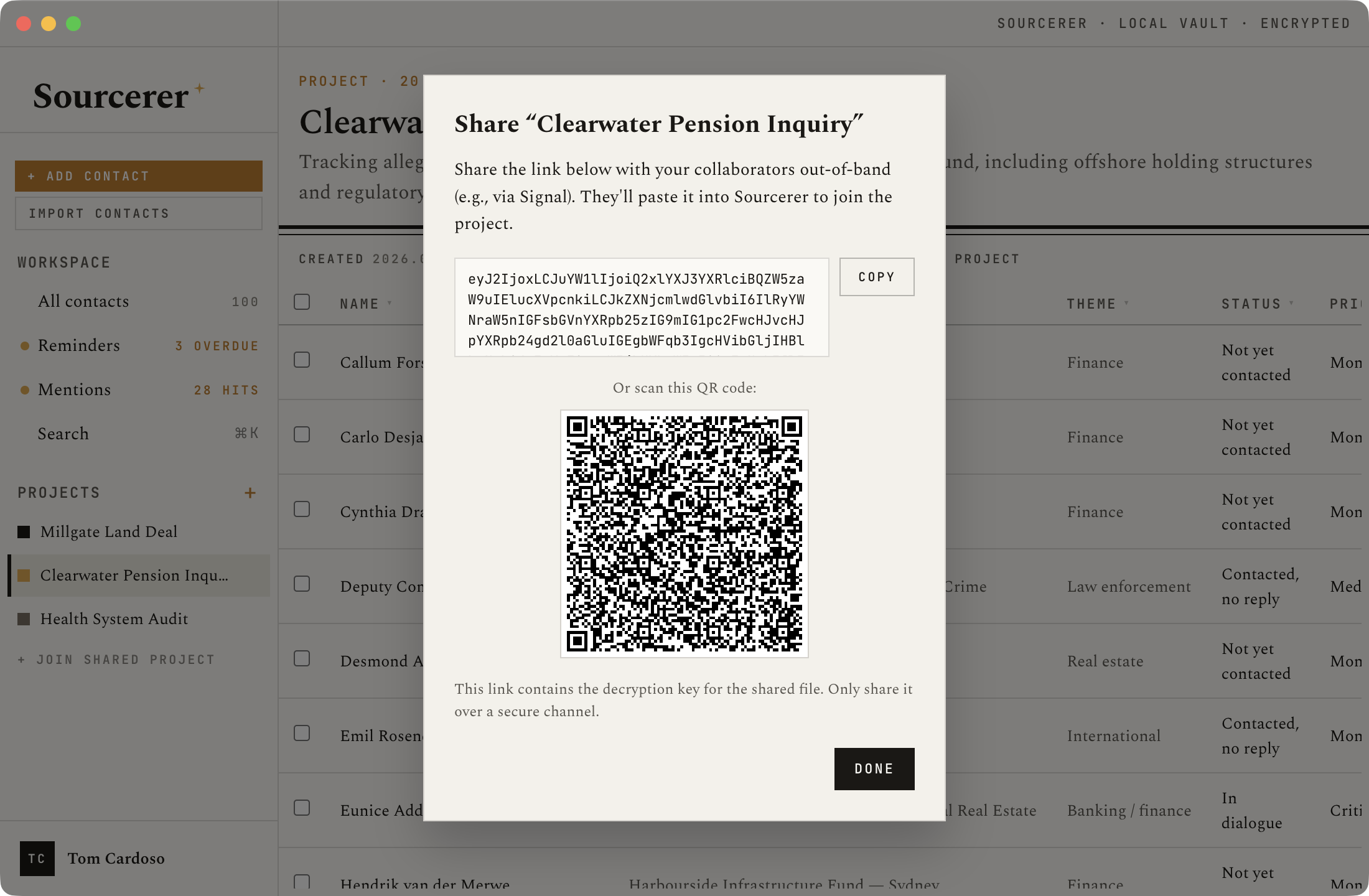
Point two Sourcerer installations at the same encrypted database file on a shared drive — Dropbox, OneDrive, or a network folder. Both users work from the same source list, with changes syncing automatically every two minutes. The shared file is encrypted with the same SQLCipher key; anyone who obtains it still can't read it without the password.
Alerts
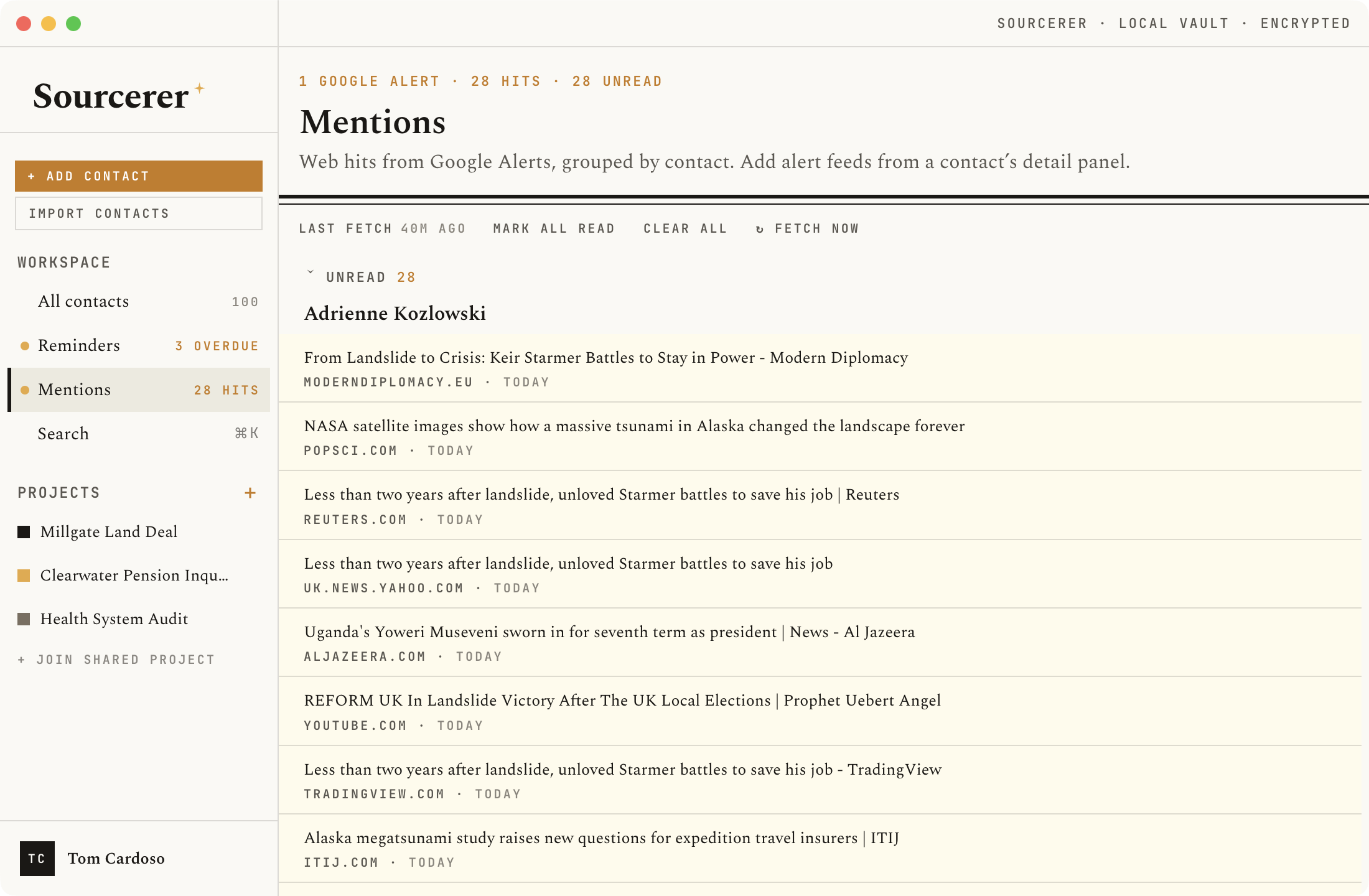
Attach RSS feeds to any contact — news alerts, press release feeds, social media aggregators. Sourcerer polls them in the background and surfaces new mentions in a unified alerts view, linked to the relevant contact. Never miss a development on a key source between check-ins.
Browser extension
The Sourcerer browser extension brings your source database into every tab. Capture full-page screenshots and link them to a contact record, save selected text directly as an email, phone number, or note on an existing contact, or add a new contact without switching apps. A right-click context menu puts all of these actions one step away. Everything goes straight into the encrypted local database — no cloud upload, no third-party storage.
Install from the Chrome Web Store ↗ · Install from Firefox Add-ons ↗
Import & export
Import contacts from CSV or vCard (.vcf) — including multi-contact files exported from Apple Contacts, Google Contacts, or any standard address book. Export to CSV, Excel, or vCard. A sanitised export mode strips notes and interaction logs so you can safely share a contact list without revealing reporter notes or outreach history.
Security at a glance
Encryption
AES-256-CBC
SQLCipher
Key derivation
Argon2id
64 MB · 3 iterations
Password storage
Never stored,
never transmitted
Cloud sync
None — fully
local by default
Telemetry
None. Zero
outbound calls.
Source code
Open source
AGPL-3.0
Get started
Pre-built for macOS (Apple Silicon), Windows (x64), and Linux (x64). Free and open source.