Free and open source · Version 0.2.2
Your sources,
encrypted on
your own machine.
Sourcerer is a desktop app for journalists and researchers. It keeps your contacts, outreach history and source relationships in one encrypted database on your computer: never in a cloud, never on a server, never seen by anyone else.
- Encrypted at restAES-256 with SQLCipher, on every page of the database
- Your key, nowhere elseDerived from your password with Argon2id at every unlock
- No server, no accountSourcerer runs no service that sees your data, and has no telemetry
- Open sourceEvery line is public, under the AGPL-3.0 licence
The app
A look inside.
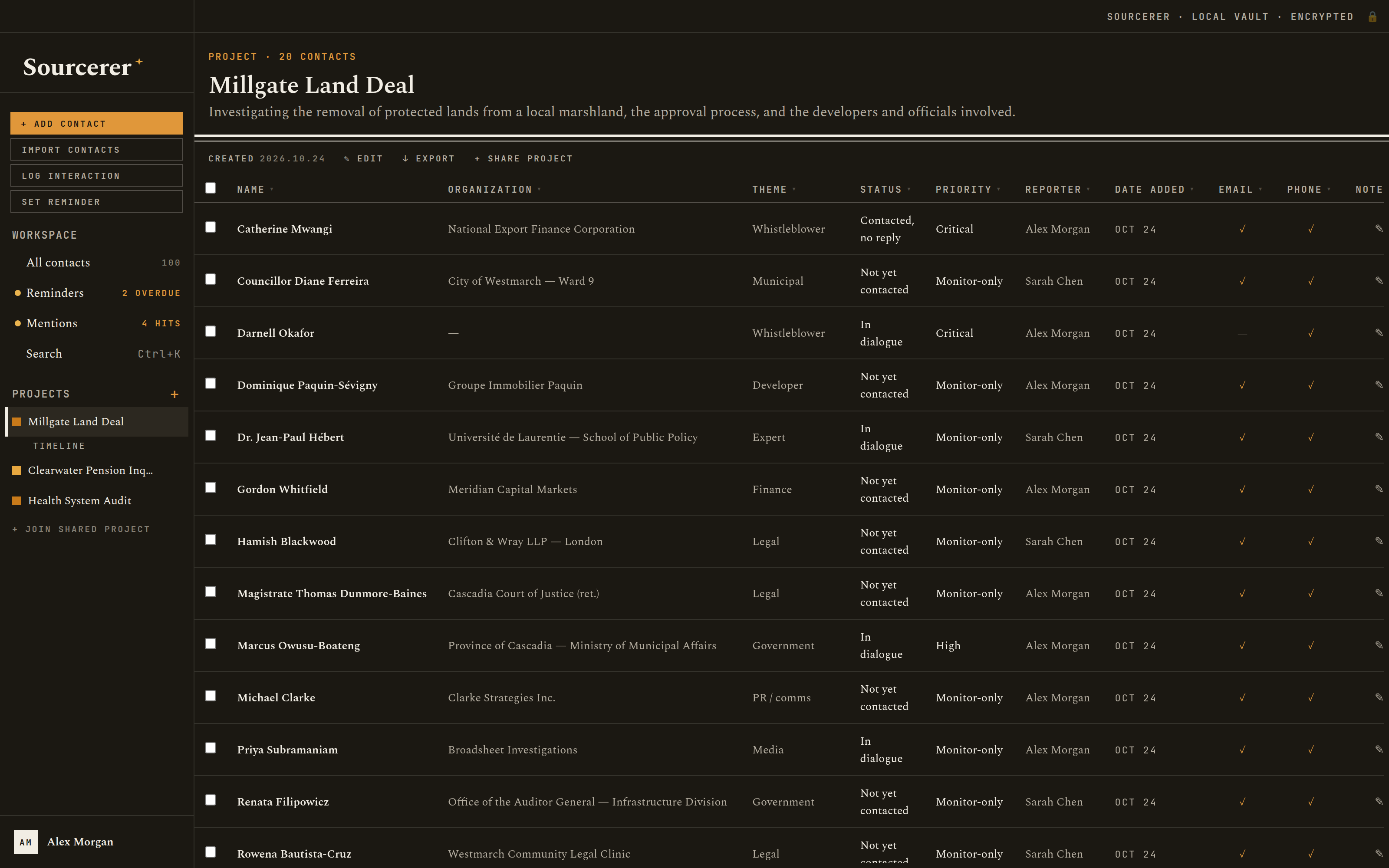
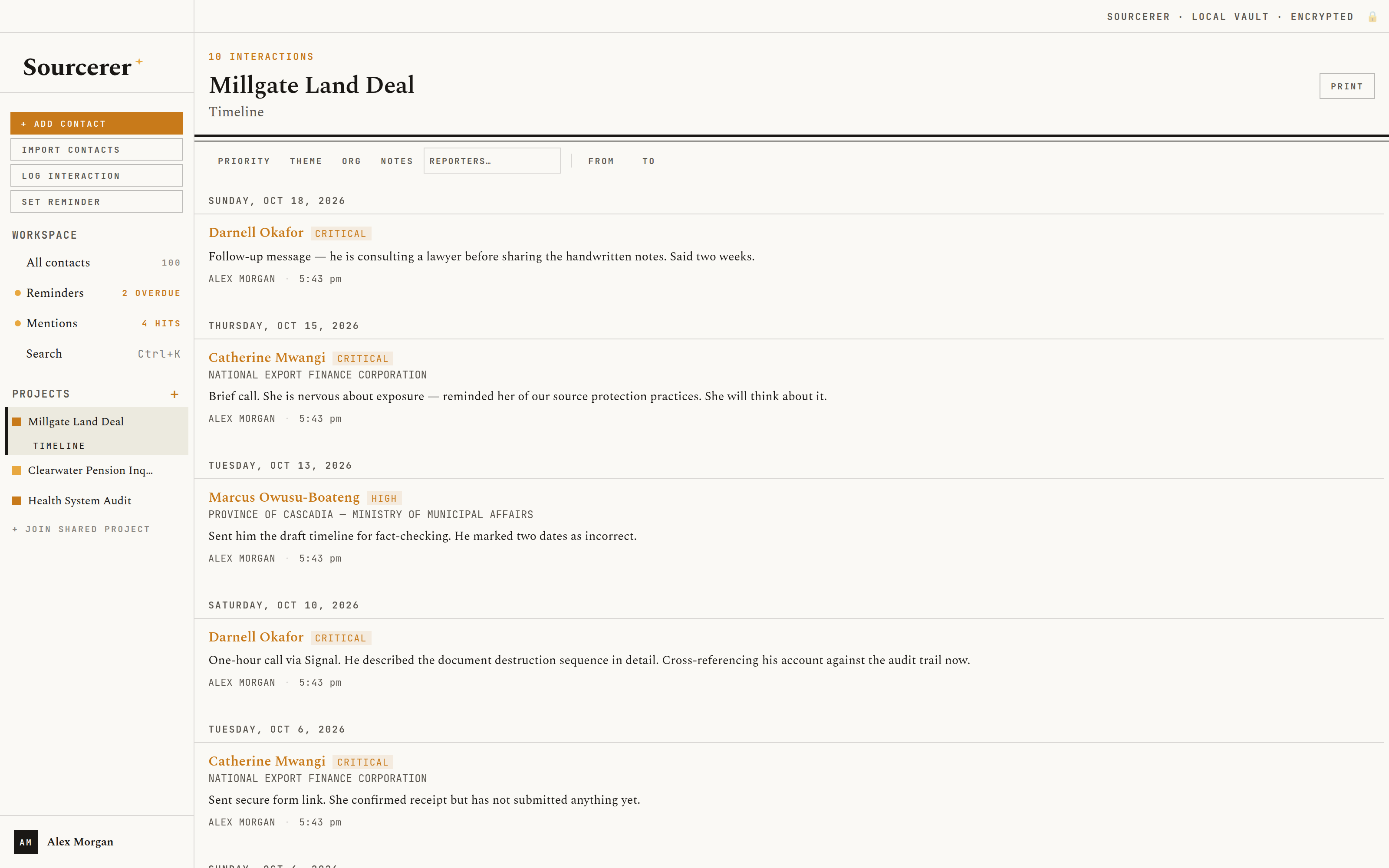
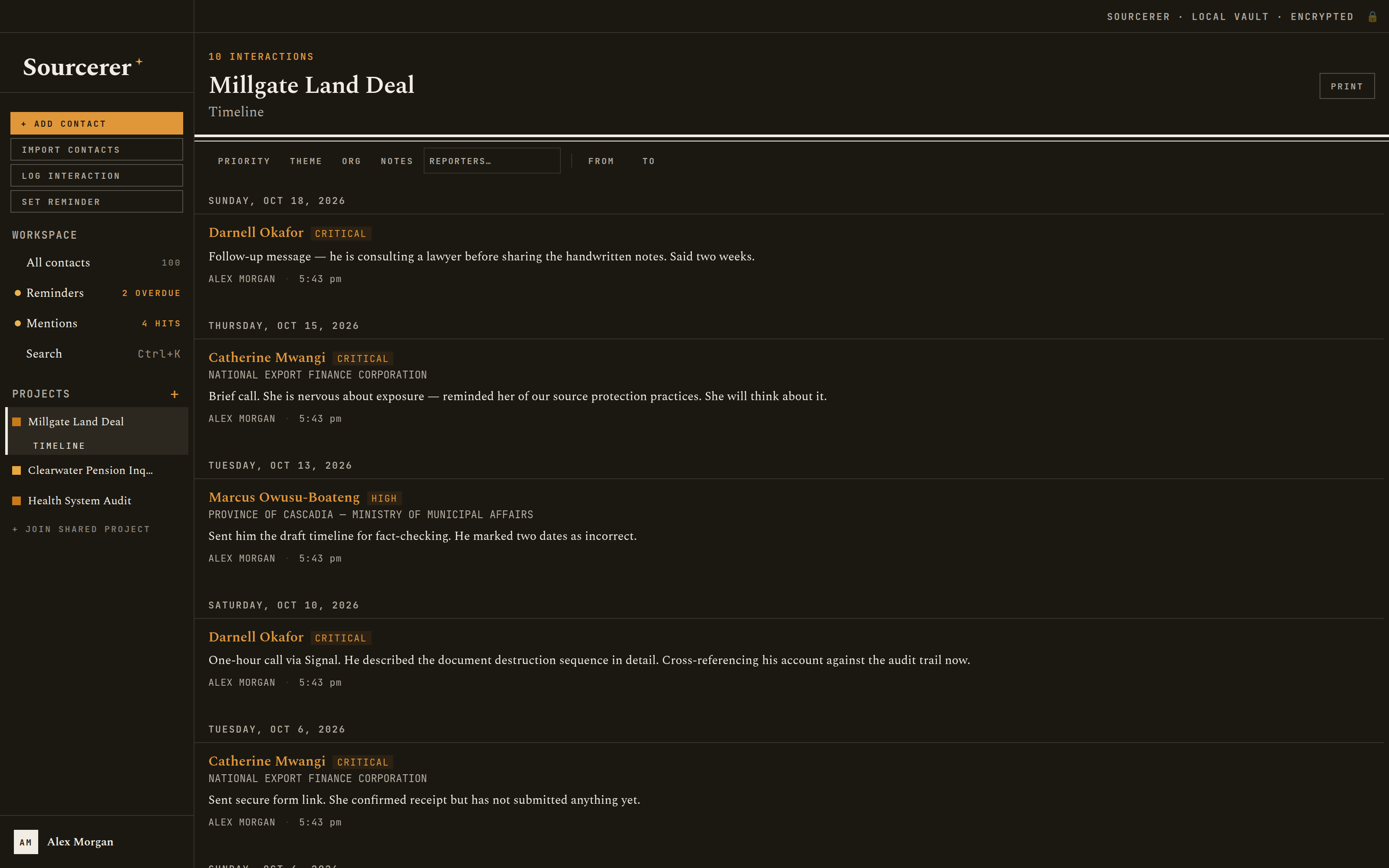
These screens are taken automatically from the current version of the app, filled with a sample newsroom's three investigations. Every person, organization and phone number in them is invented.
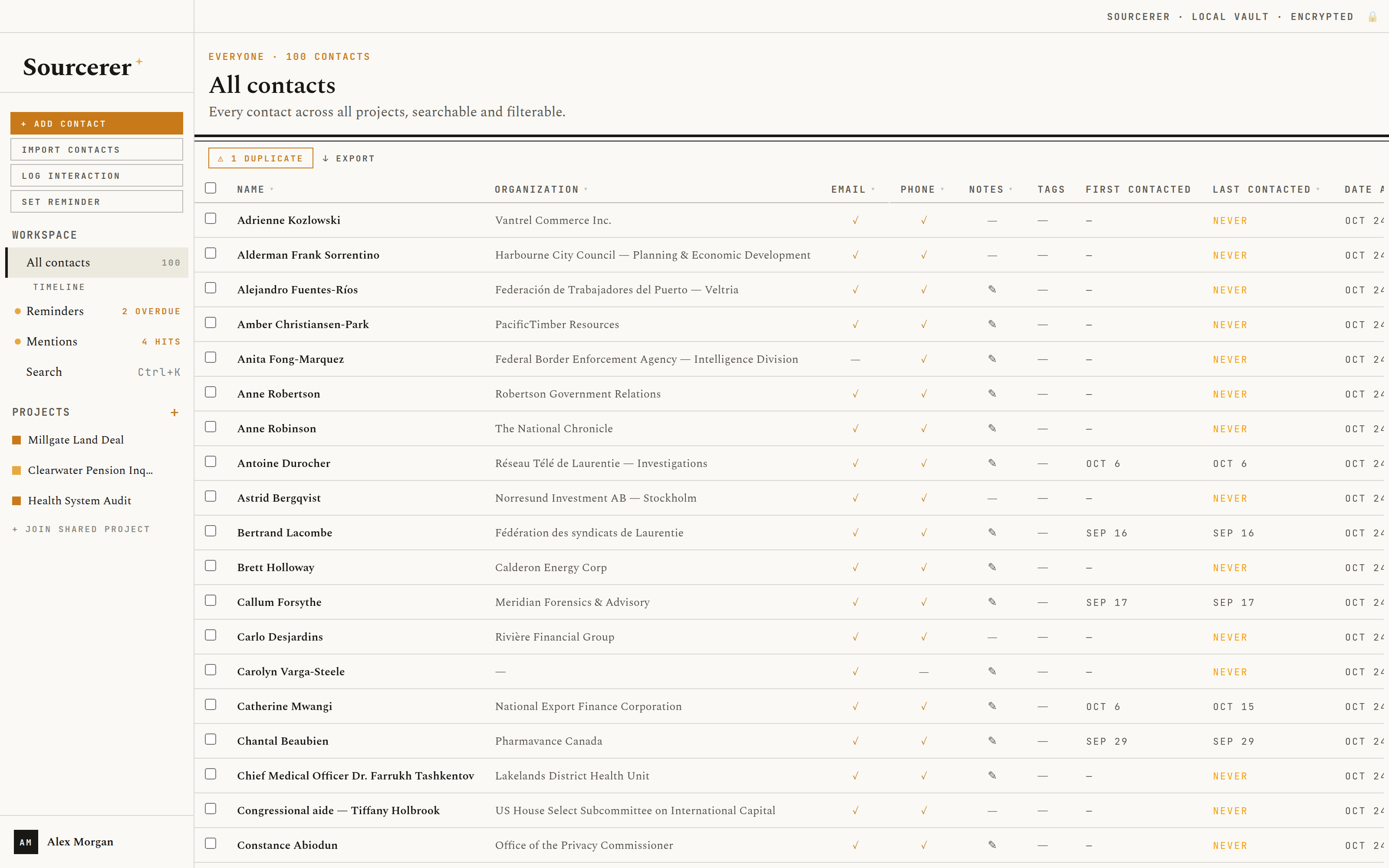
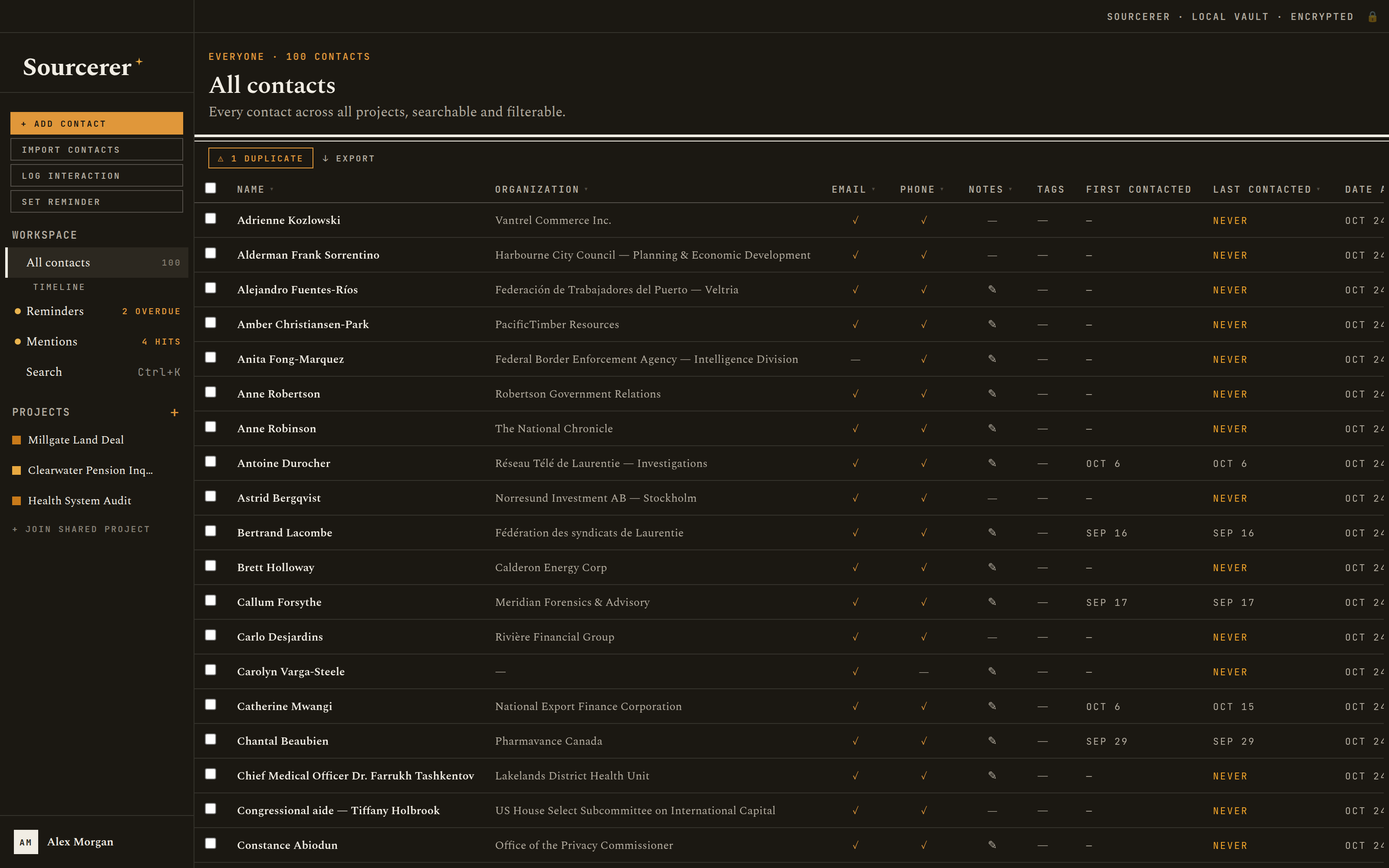
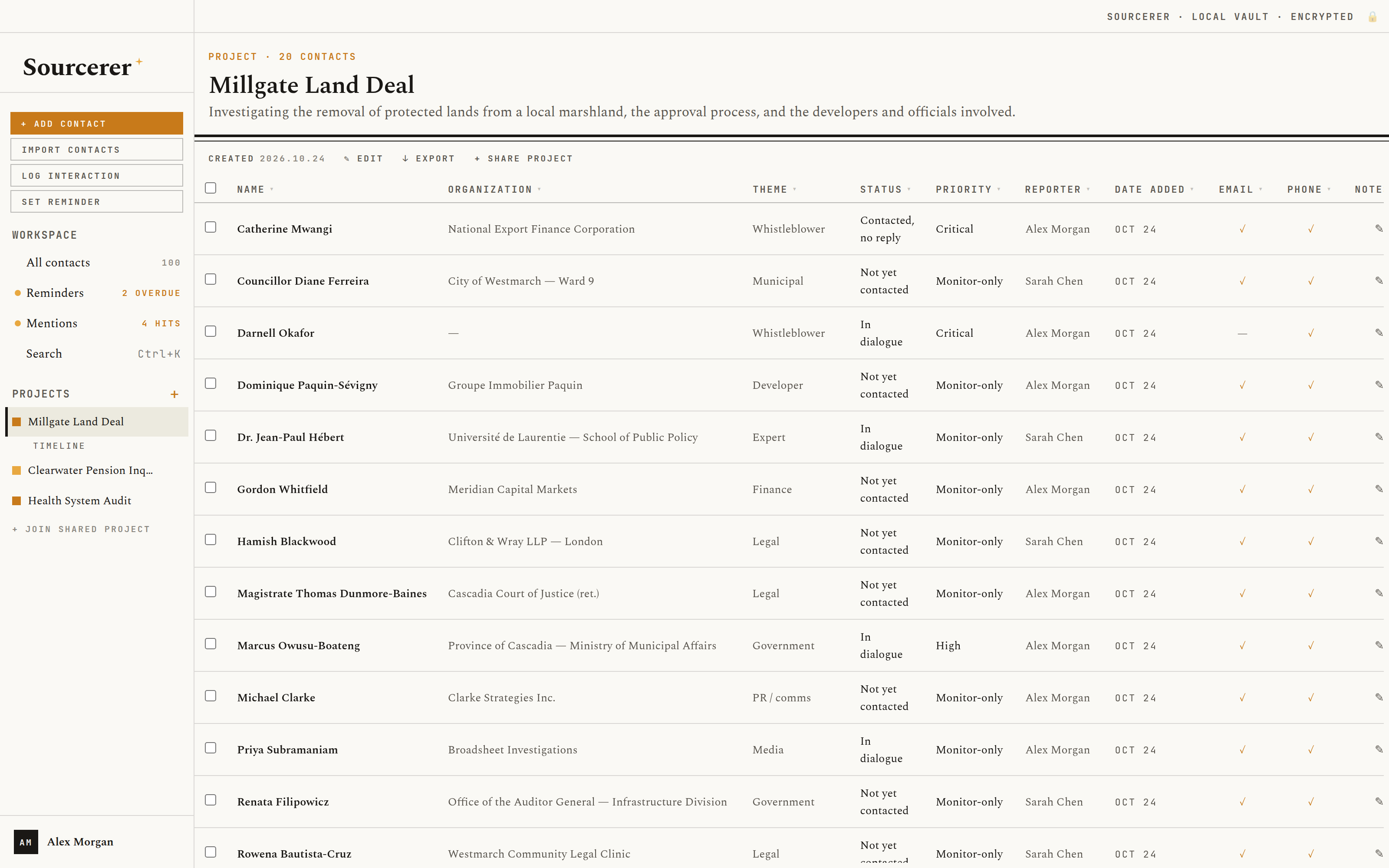
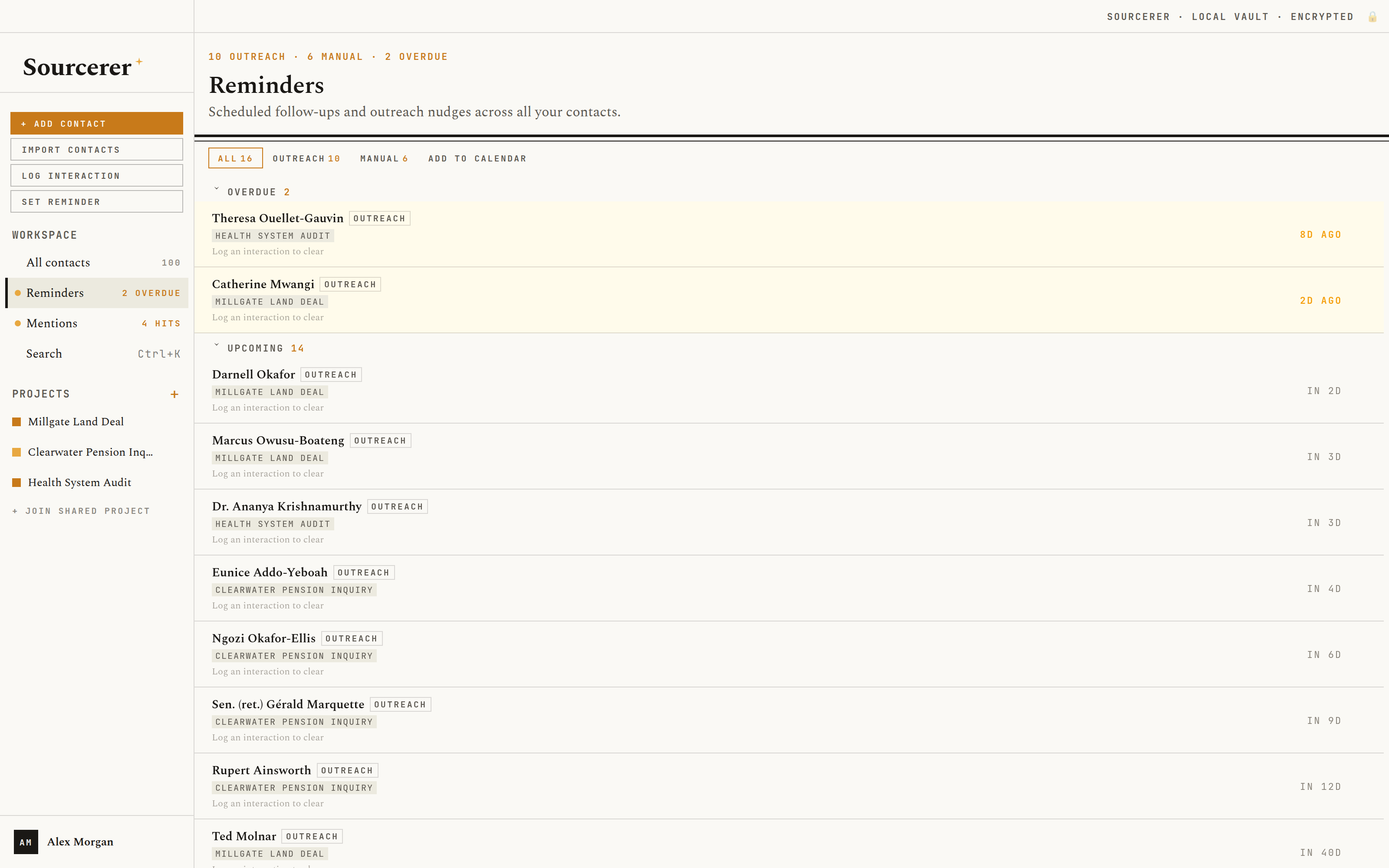
Contacts. One address book for every story, sortable and filterable, with a flag on anyone you haven't touched in months. Your contacts
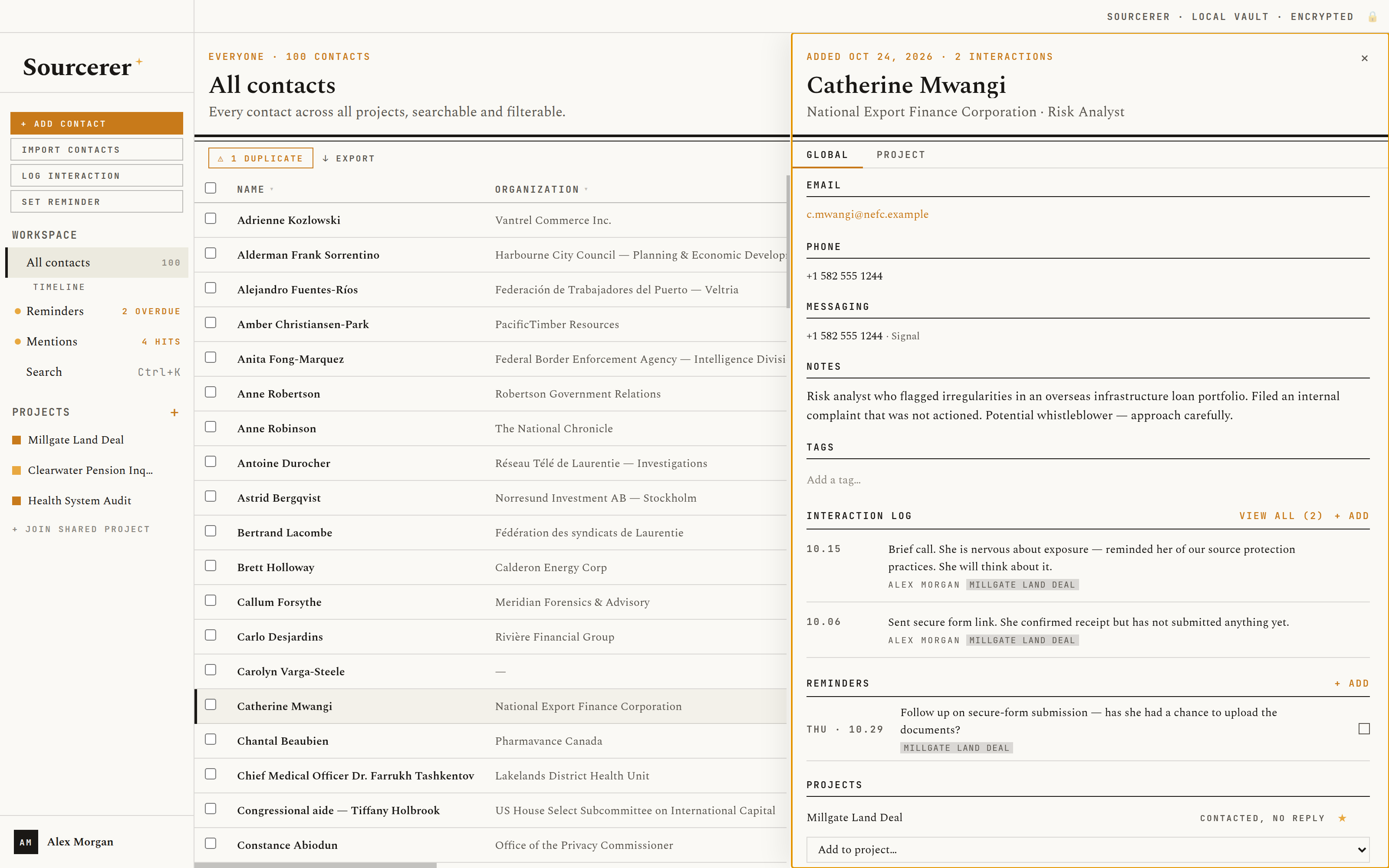
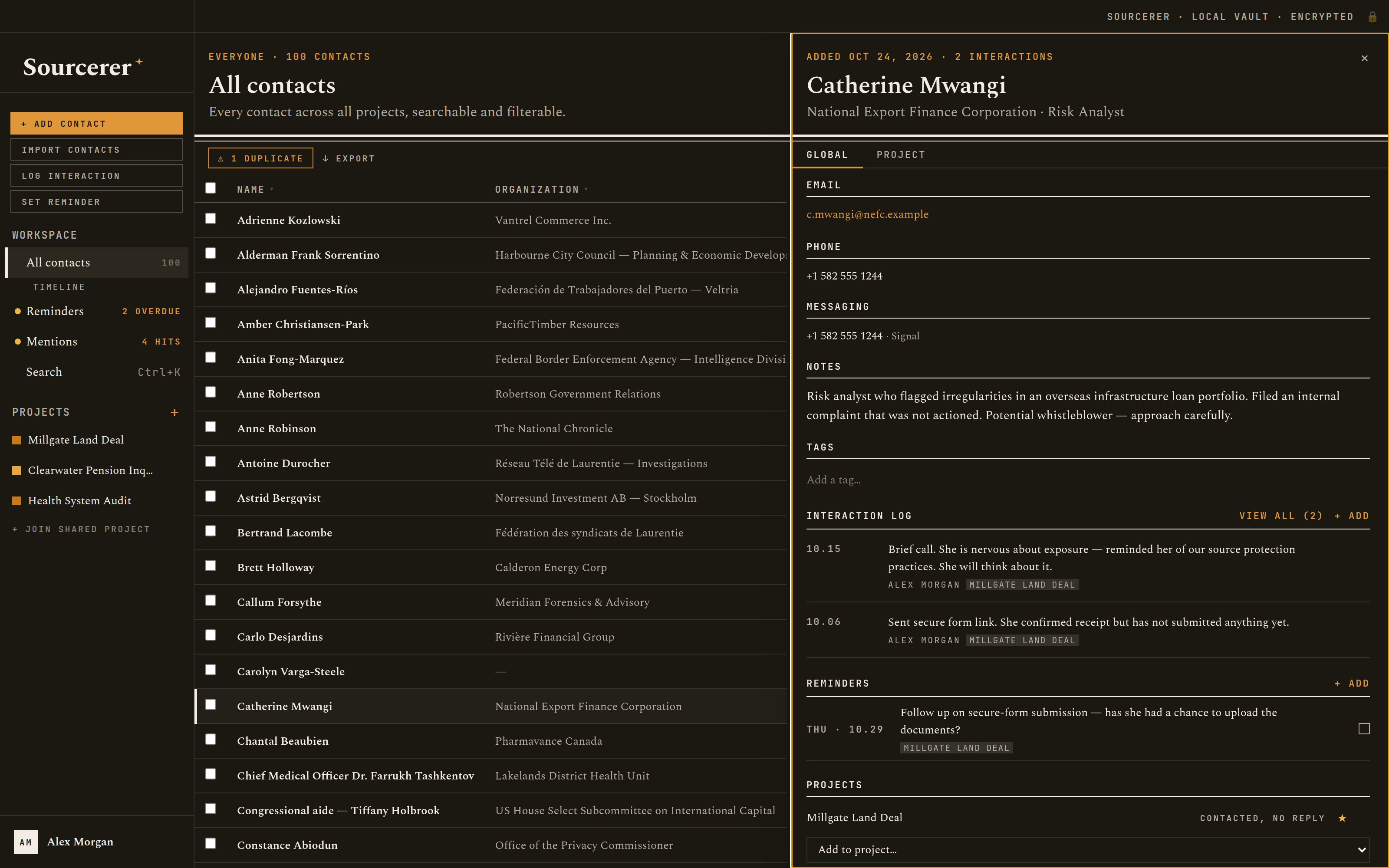
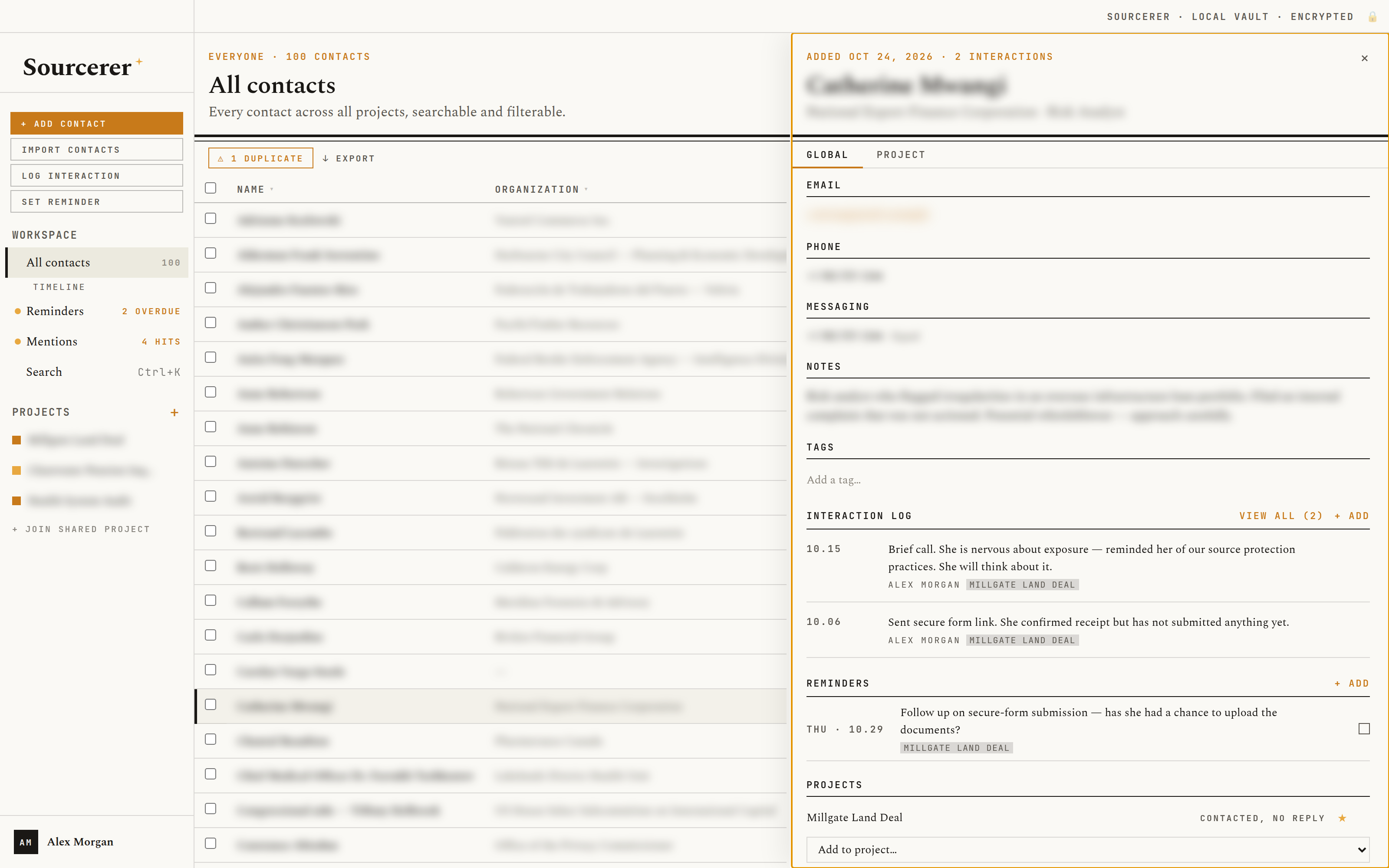
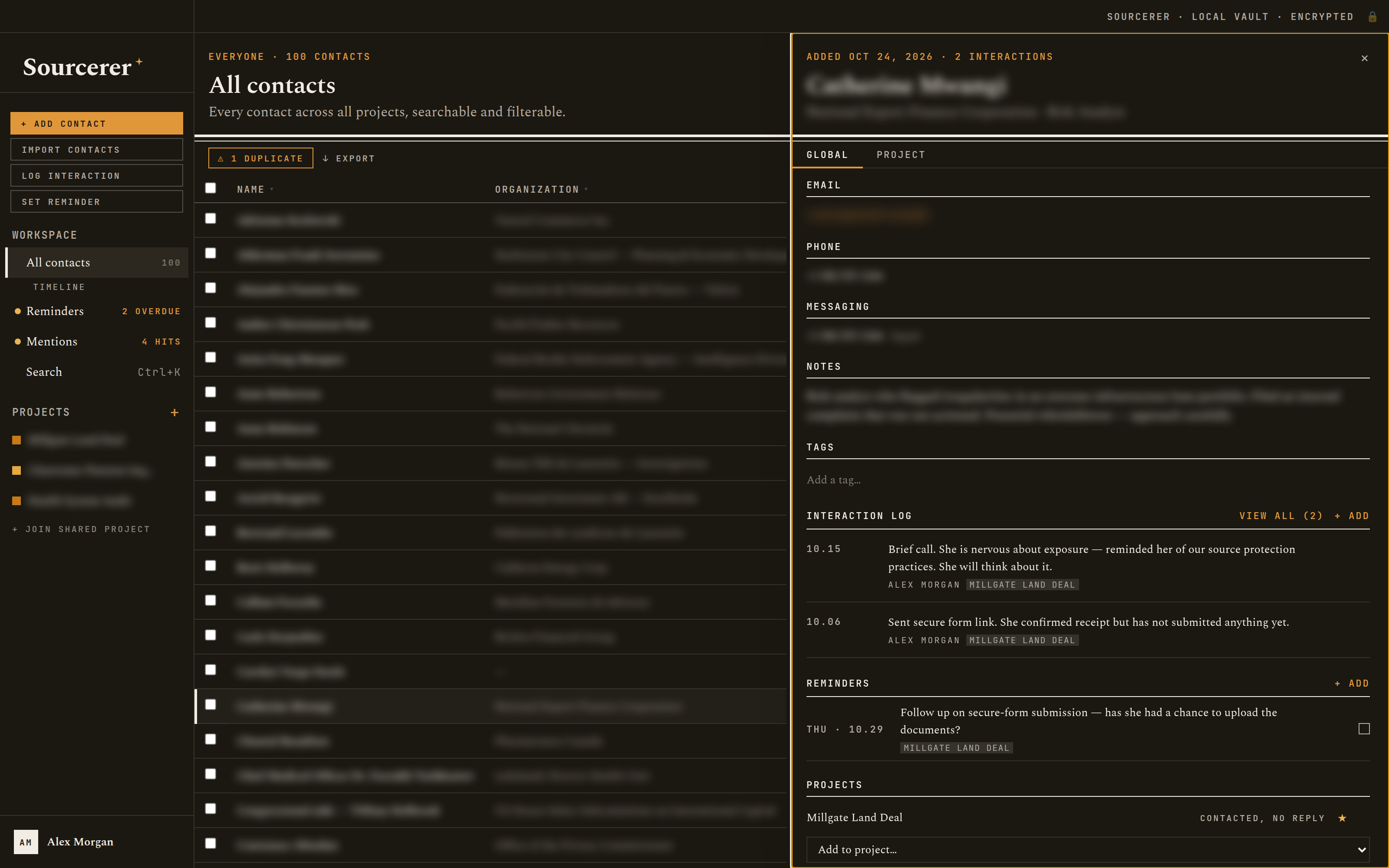
A source. Emails, phones, Signal and other handles, notes, tags, screenshots, and every interaction, reminder and project in one panel. Contact fields
Projects. One per investigation or beat. Each source gets its own status, priority, theme and reporter in each project. Projects
Timeline. Every logged interaction across a project, newest first, filterable and printable for a team briefing. Logging interactions
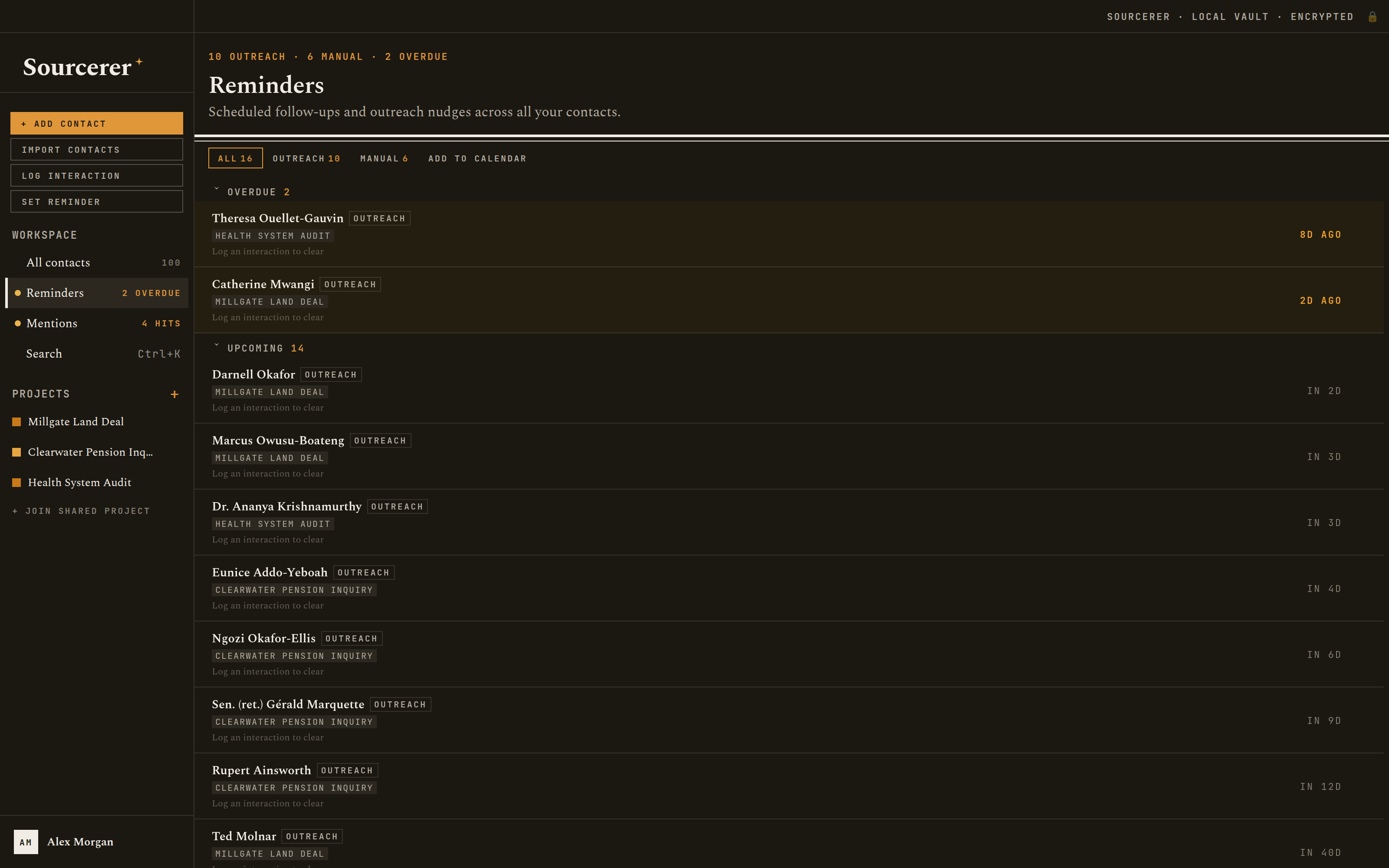
Reminders. Follow-ups scheduled by priority, plus your own, with a desktop notification when one comes due. Reminders
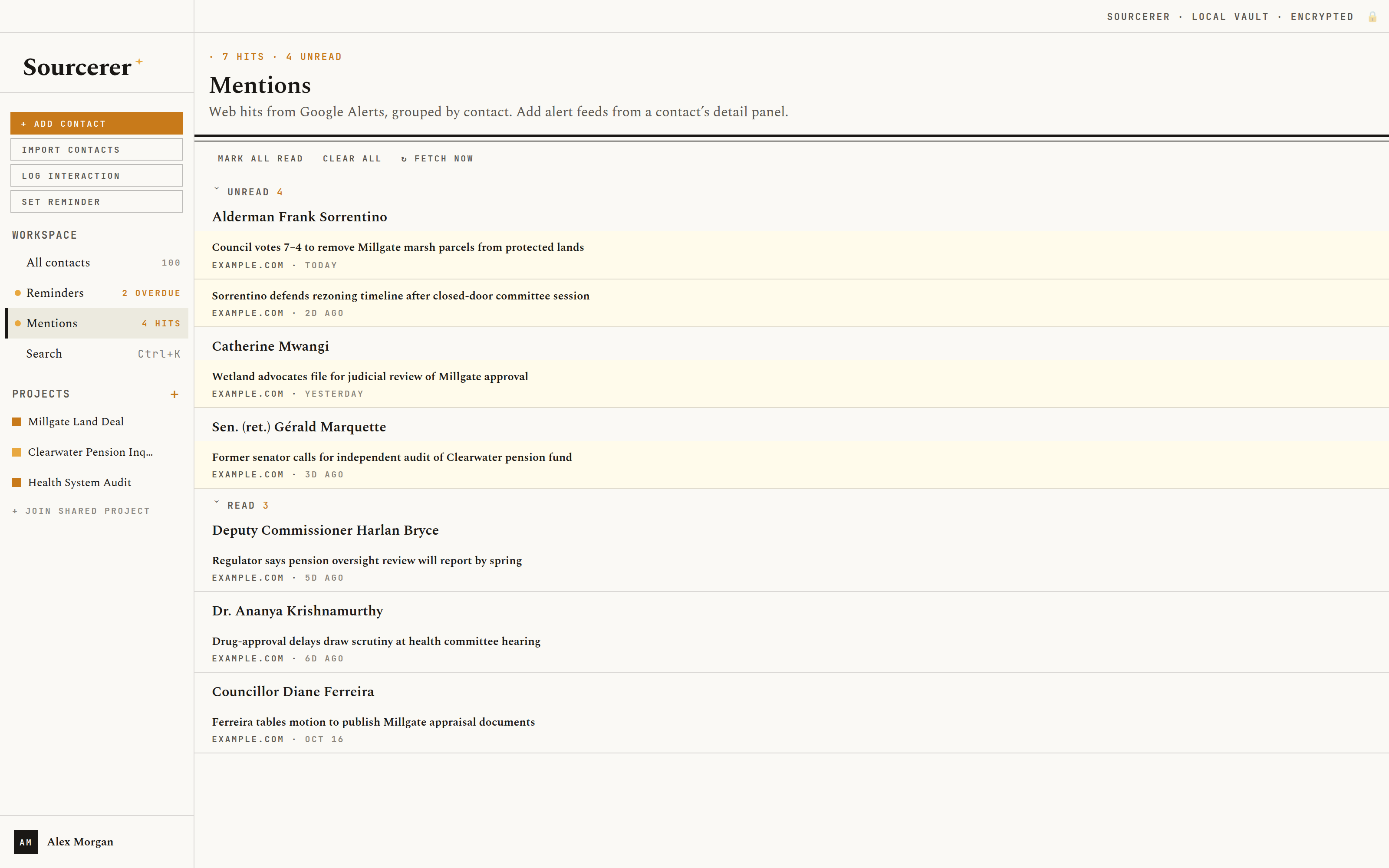
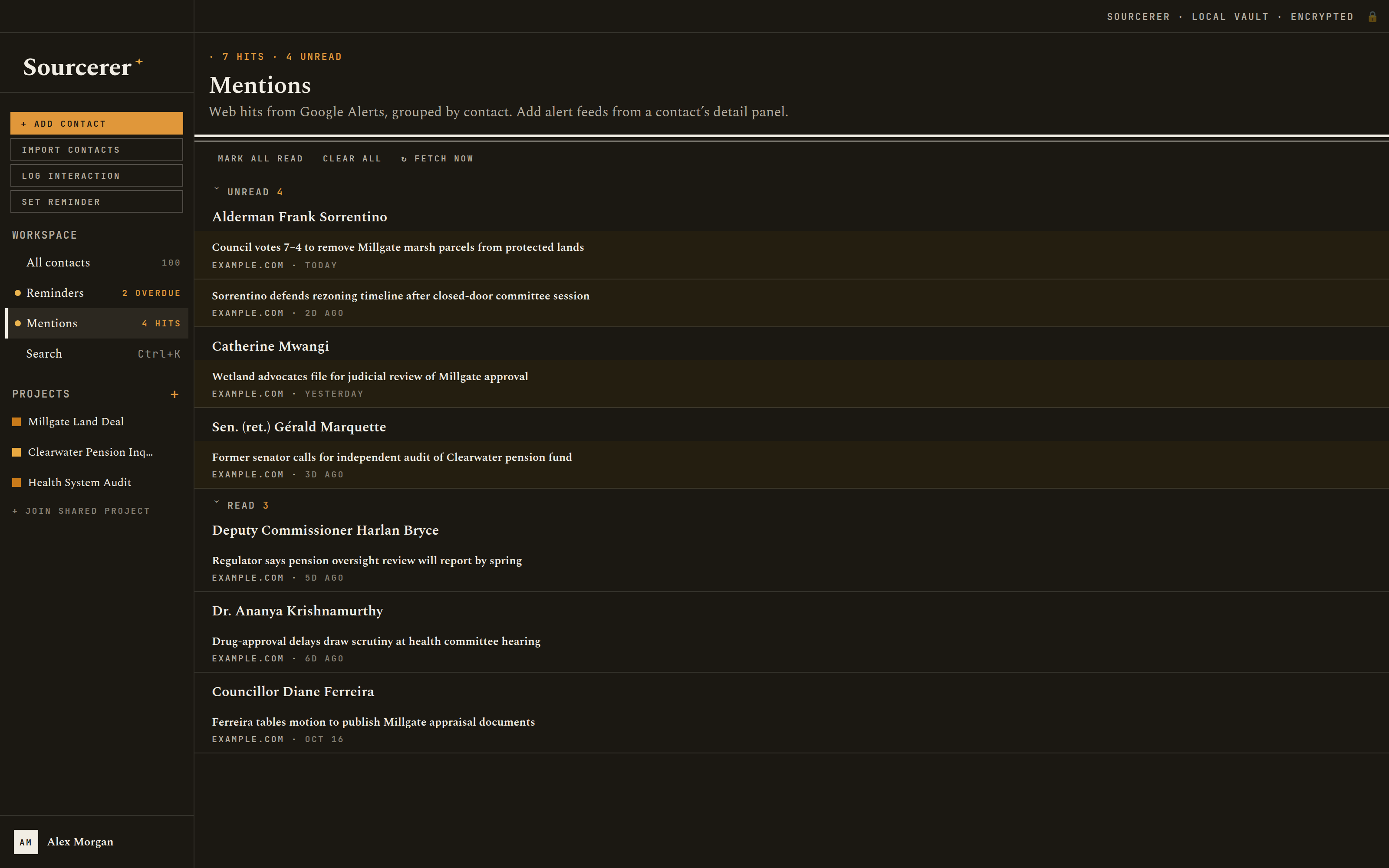
Mentions. Attach a Google Alerts feed to a source and new articles about them turn up here. Mentions
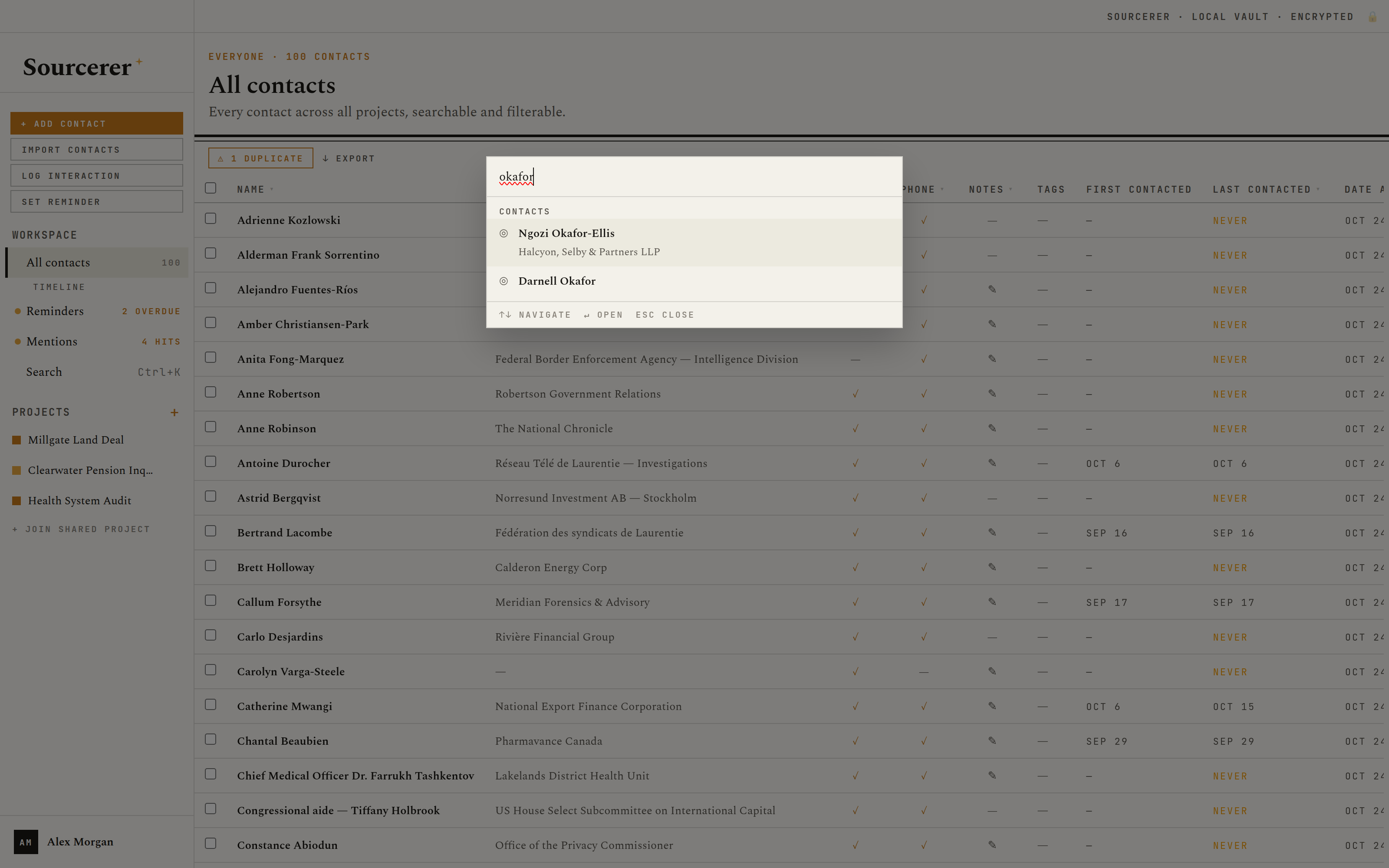
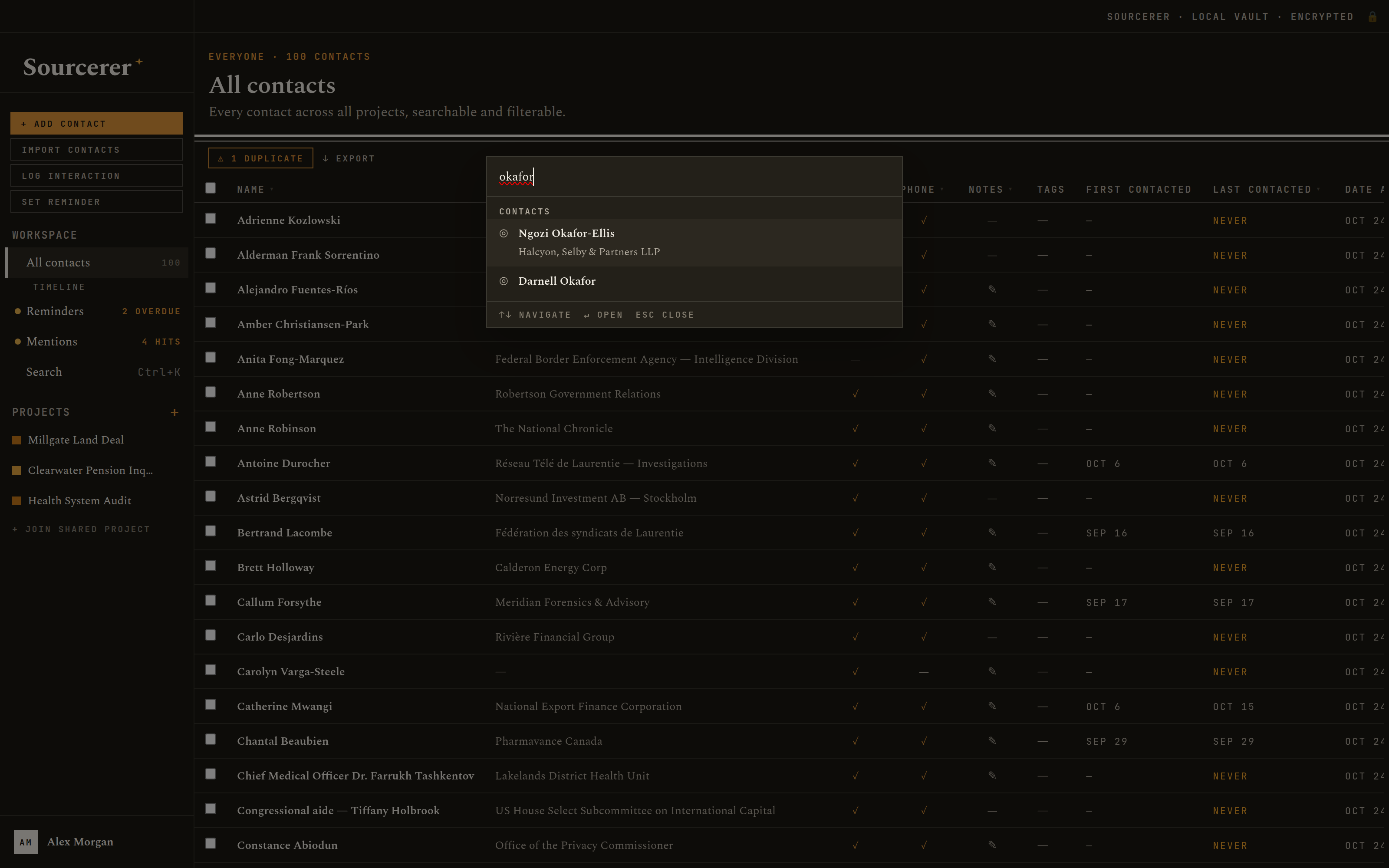
Search. Press ⌘K or Ctrl+K to find any contact or project from anywhere in the app.
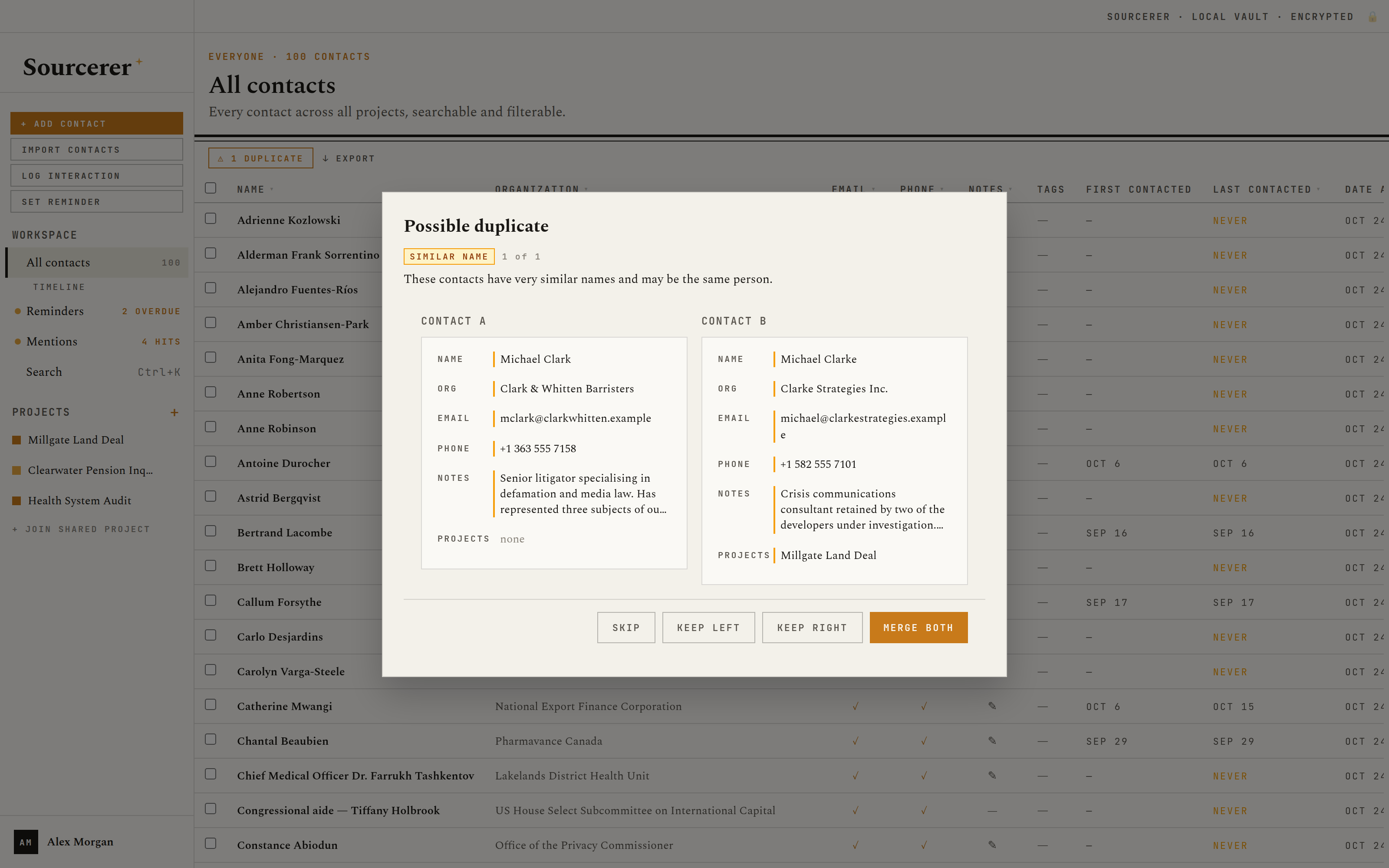
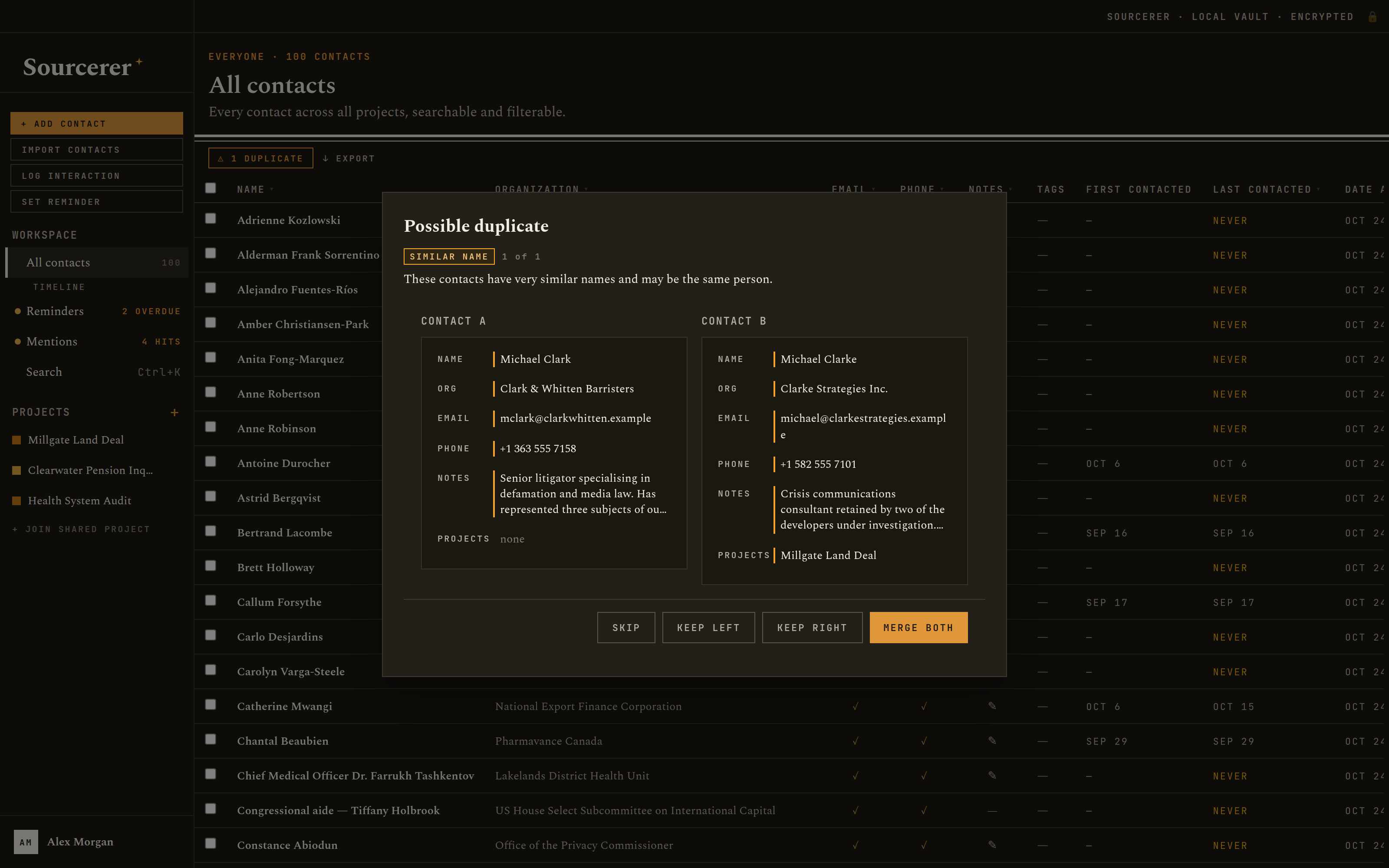
Duplicates. Likely duplicates are found by name, email and phone, then shown side by side to merge or keep apart. Duplicate detection
Encryption
Useless to anyone without your password.
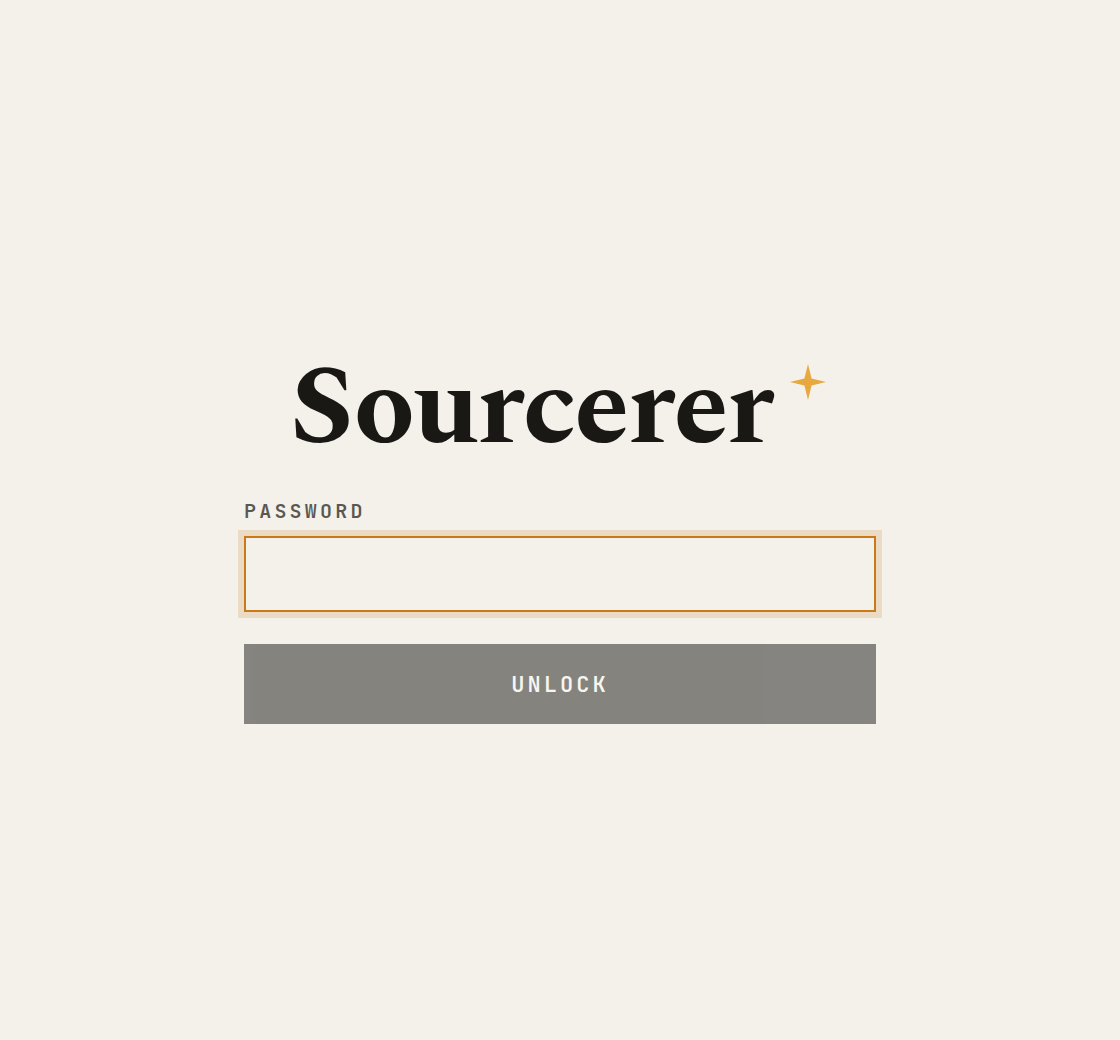
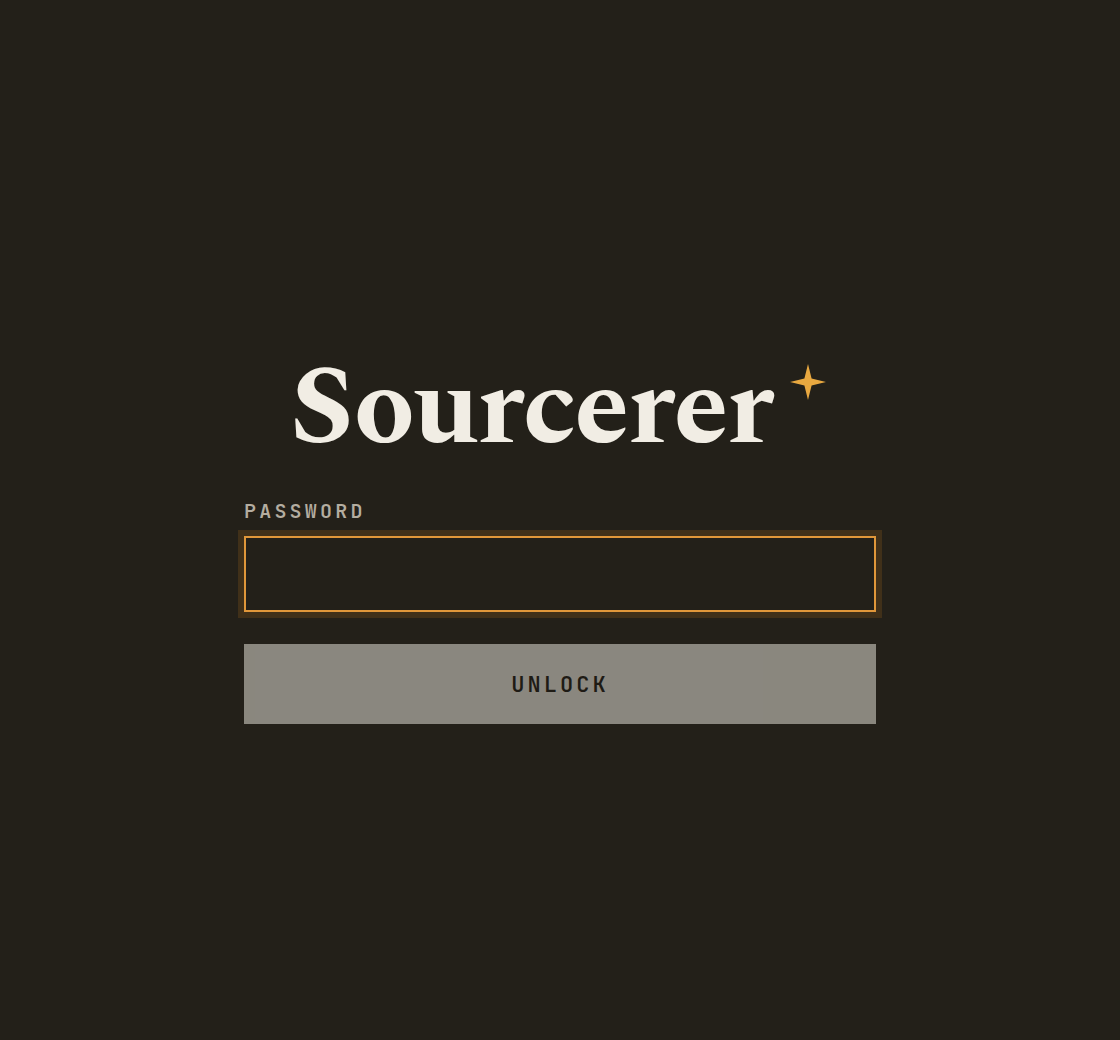
Everything lives in one vault on your computer: the database, its salt file and any screenshots. Every page of the database is encrypted. The key that unlocks it is worked out from your password each time you open the app, and is never written down anywhere.
That also means there is no reset link. Forget the password and the data is gone, by design.
- Database encryption
- AES-256-CBC, SQLCipher 4
- Key derivation
- Argon2id · 64 MB · 3 passes
- Password storage
- None. Not stored, not sent
- Screenshots
- Encrypted with the same key
- Auto-lock
- After the idle time you choose
- Panic wipe
- Destroys the database, salt and screenshots
Outreach
From first approach to on the record.
Every source in every project carries a status. When one goes quiet, the priority you gave them decides when Sourcerer reminds you to try again, and the interaction log keeps the whole arc: who reached out, when, and what was said.
- Not yet contacted
- Contacted, no reply
- In dialogue
- Interview arranged
- Interviewed, on-record
- Interviewed, off-record
- Declined
- Declined, door open
- Referred to comms
- Ghosted
- Do not contact
Follow-up reminders, by priority
Measured from the last logged interaction.
Redaction mode
Working in public? Blur it.
One shortcut blurs every name, organization, email, phone number, handle, link and note on screen, so you can work in a café or share your screen without showing who you talk to. The same shortcut brings it all back.
Browser extension
Capture the page before it disappears.
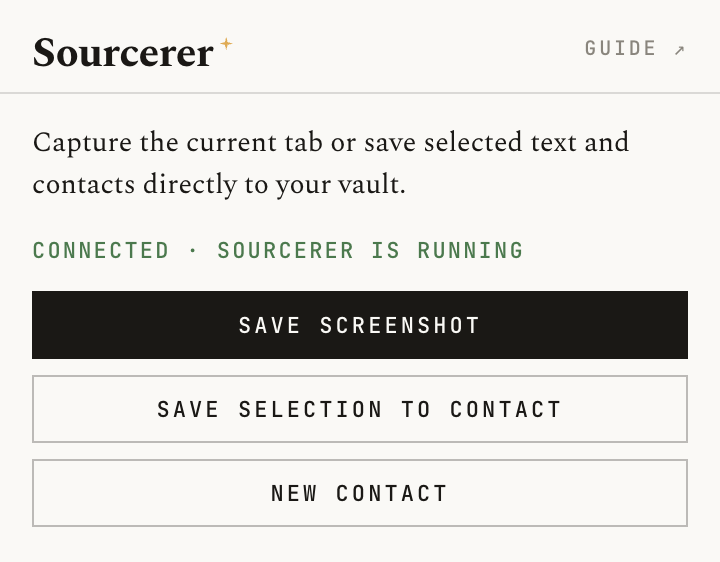
Save a full-page screenshot of any tab to a source's record, file a selected email address or phone number on an existing contact, or add a new contact from the page you're reading. Everything goes straight into your encrypted vault through the app on your own computer; nothing passes through anyone else's server.
Works in Chrome, Edge, Brave, Arc and Firefox. Extension guide
And
The rest of the toolkit.
Import
Bring contacts in from CSV or vCard, including exports from Apple Contacts and Google Contacts.
Export, or sanitise
Export to CSV, Excel or vCard. A sanitised export strips notes and interaction logs before you share a list.
Backups
Encrypted backups, by hand or once a day, to a folder you choose, keeping as many as you like.
Calendar feed
Subscribe to upcoming reminders from Apple Calendar, Outlook or Thunderbird, served only on your computer.
Website archiving
Optionally send a source's website to the Wayback Machine when you save it, so you keep a copy if it vanishes.
Print
Print a contact sheet, or a project's timeline, on a clean black-and-white page.
Download
Get Sourcerer 0.2.2.
It's free, and installed copies update themselves.
- Install itOpen the file and install it like any other app. If your computer warns you
- Create your vaultPick where it lives, then choose a master password you won't forget. First launch
- Add your sourcesType them in, or import a CSV or vCard file from your address book. Import and export
All files and earlier versions are on the release page.
Questions
Before you start.
Anything else is in the user guide, or ask on GitHub.
What does it cost?
Nothing. Sourcerer is free and open source, with no paid tier and no subscription. If it helps your work, you can sponsor its development.
Can I get my data back if I forget my password?
No. There is no reset, recovery code or back door, because any of those would also be a way in for someone else. Use a passphrase you'll remember, and keep a backup. Your master password
Does it send my contacts anywhere?
No. Your data stays in the vault on your computer, or in a shared folder you choose for a shared project. The app connects to the internet only to fetch the Google Alerts feeds you've added, to send a website to the Wayback Machine if you turn that on, and to check GitHub for a new version. Network traffic
Can I use it on more than one computer?
Your vault can live in a folder you carry or sync, such as an external drive or Dropbox, but open it on only one computer at a time. To work alongside colleagues, use a shared project instead. Vault location
Can I bring my existing contacts?
Yes. Import a CSV file, or a vCard file exported from Apple Contacts, Google Contacts or any other address book. Import and export
Is it a secure messaging tool?
No. Sourcerer keeps records of your sources safe on your computer. It doesn't send messages or hide your communications; use a tool built for that, such as Signal. What Sourcerer is not